|
 |
       |
 |  |
 |
|||
|---|---|---|---|
|
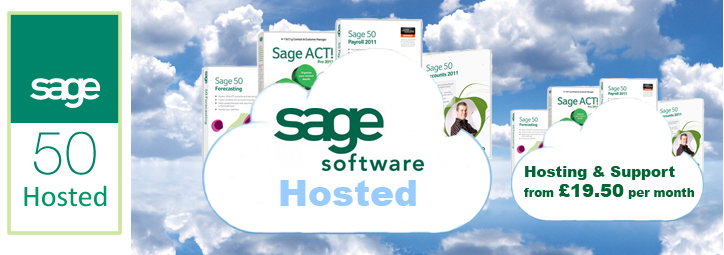
| What are the benefits of Sage Software Hosted? - Access your Sage data from any location with an internet connection - Have the peace of mind of knowing your data is backed up in a UK datacentre - Hosting from as little as £19.50 per user, per month - Hosting comes with free hosted support provided by IT professionals based in London - One-off £50 hosting set-up fee, no hidden charges, six month contracts avalible - Servers come with Office 2010; comprising of Outlook, Word, Excel, Powerpoint, Publisher & OneNote - Fast, Powerful, Servers running Microsoft Server 2008, with a minium of 2GB RAM to meet Sage's recommended PC enviroment. Enjoy the same features of Sage 50 software with the added benefit of being able to access your software from any location with an internet connect. Want to try before you buy? Try out our test server now You access our Sage Hosted Server Using Remote Desktop Connection: 1. Please use the one below which matches your pc's operating system: Windows XP - From the Start menu, select All Programs > Accessories > Communications > Remote Desktop Connection. Windows 7 - From the Start Menu, select All Programs > Accessories > Remote Desktop Connection 2. Logon on settings: Computer: cjp.speedster-it.com User Name: testuser1 Password: Sage Then click connect and agree to any conditions of remote desktop connection. Firstly download Mircosoft's Remote Desktop Connection software from the link here If you have any difficulty connecting to the test server, please call John or David our hosting experts on 0845 0049795. If you have any Sage related questions please 0207 099 2911 and ask to speak with Chris our Sage expert. |
||
 | |||
 |  | ||
 | |||